Use the Fees Log to store additional information against a learner’s fees. The Fees Log can be accessed by selecting the Fees Log button on the Payments ribbon in the enrolments module.

This will display the Fees Log window.
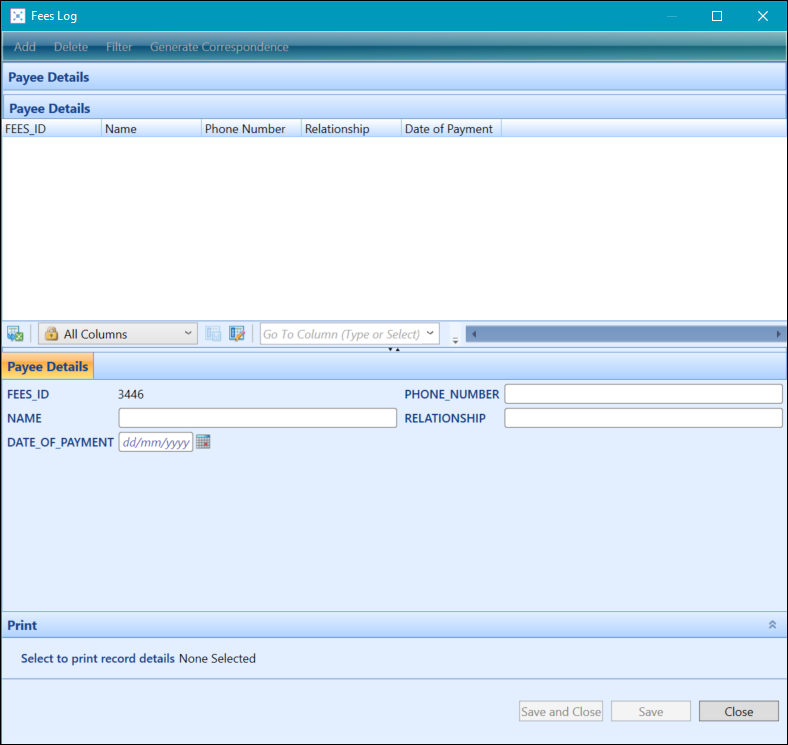
From the Fees Log, you can:
 Add Fees Log records
To create a Fees Log record:
-
In the enrolments module, select a record in the Payments grid, and then select the Fees Log button on the Payments ribbon.
The Fees Log window is displayed.
-
Select the Add button at the top of the Fees Log window.
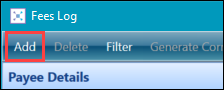 Important.If you don’t have any records for this fees’ log, then the button will be greyed out. Instead, enter the learner log details in the fields provided.
 -
Enter the details of the Fees Log record in the details section of the window.

-
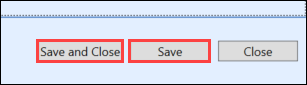
Select the Save button to save the record. Alternatively, select the Save and Close button to save the record and close the Fees Log window.
Delete Fees Log records
To delete a Fees Log record:
-
In the enrolments module, select a record in the Payments grid, and then select the Fees Log button on the Payments ribbon.
The Fees Log window is displayed.
-
Select the record you want to delete from the log list grid.
-
Select the Delete button at the top of the Fees Log window.
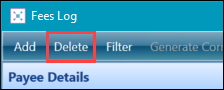
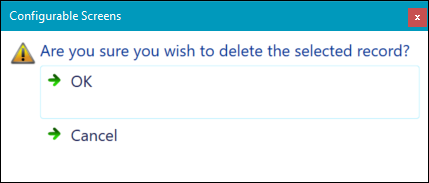
A message is displayed to confirm deletion.
-
Select OK .
The Fees Log record is deleted.